Weglot vs Bablic: translation workflow or visual on-page localization?
Weglot is a website translation platform, with translations, glossary and multilingual SEO managed in one workspace your team runs across different website technologies. Bablic, now part of Unbabel, is a website localization tool built around on-page visual editing.

- No credit card details
- No commitment
- 14-days free
The short answer
Weglot is best for when you translate websites across more than one technology and want glossary control and multilingual SEO handled in one workspace. Bablic wins when you want to localize a single site visually on the page, including per-language images, video and layout, or when you need full right-to-left support.
The two also meter usage differently. While they both bill on the number of languages, Weglot charges based on word count, and Bablic charges based on the pageviews your translated content receives.
What is the main difference between Weglot and Bablic?
The difference boils down to where you work: a translation workspace, or the rendered page.
Weglot automatically detects new content on your site and translates it, so pages you add appear in your other languages without anyone filing a request. Your team edits in a Visual Editor that shows translations inside your live design, or works through the Translations List, sets brand and product terms in a glossary, adds its own translators and teammates to the dashboard, and can order professional translation from inside the tool.
Bablic is built around editing on the page. It offers two editors: a Visual Editor that lets you edit translations directly on your website and see the result on screen in real time, and a Text Editor for working through larger bodies of text. Bablic also detects new content on the site, and you choose whether it is translated automatically or whether you are notified so you can handle it yourself.

How does each one connect to your site?
Both connect to an existing site without rebuilding it. But they differ in the platforms they support.
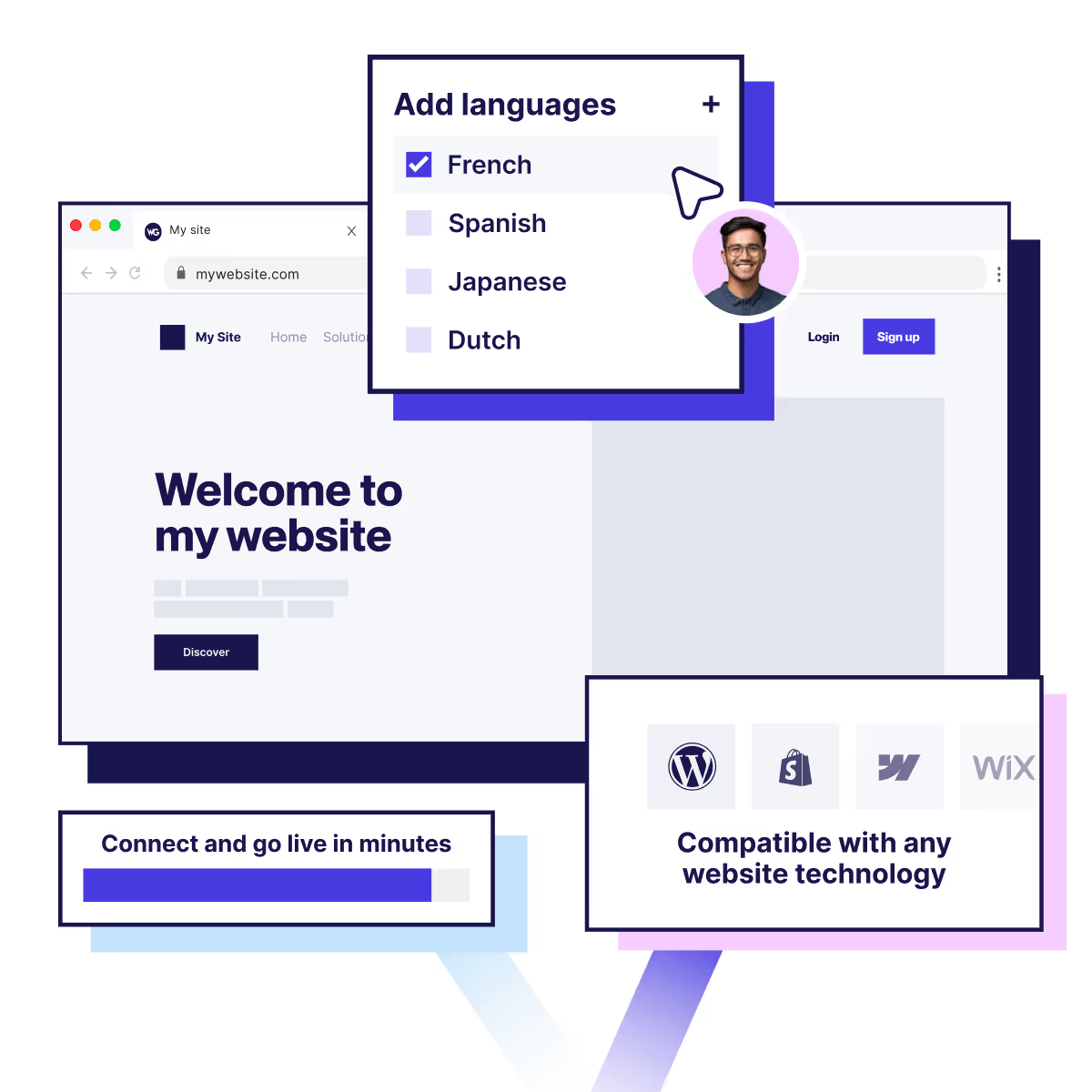
Weglot works across Shopify, WordPress, Webflow, Squarespace, Framer, custom sites and other website technologies, which suits a team running a store alongside campaign sites, documentation or a second CMS.
Bablic documents integrations for Shopify and WordPress, along with website builders including Duda and Weebly, and offers APIs for other setups.
How are Weglot and Bablic priced?
Weglot prices on the total unique words translated across your languages and the maximum number of languages. It publishes a free plan covering 2,000 words in one language, then paid plans up to 5,000,000 words across 20 languages, plus an Enterprise plan on request, so you can size your own cost before contacting anyone.
Bablic prices on the number of languages you add and the pageviews your translated content receives. Its billing documentation is specific about the counting: only pageviews on translated content count against your quota, so traffic to your original language does not, and quotas renew monthly on every plan. Machine translation words come as an allowance per plan, with additional words and optional professional translation charged separately.
Weglot's cost depends on your unique word count and how many languages you publish. Bablic's depends on how many languages you add and how much traffic your translated pages receive. Which works out cheaper depends entirely on your own numbers, so price both against your actual word count, language count and translated pageviews before deciding.
How does each handle multilingual SEO and localized media?
Weglot handles multilingual SEO automatically. With Bablic, you can visually change localization aspects on the translated page.
Weglot creates hreflang tags, translates metadata and serves language-specific URLs without configuration, so your translated pages can be indexed as pages in their own right. It also supports right-to-left languages like Arabic, Farsi, and Urdu.
Bablic supports language-specific domains, so each language can sit on its own domain if that is how you want your site structured.
You can use its Visual Editor to restore a page's original appearance after translation. Like Weglot, it supports right-to-left languages and flips the orientation accordingly.

Who should choose Bablic?
If your localization is visual and sits on one site, Bablic may be the better fit.
Here are some real examples. If a translated language breaks your layout, you can adjust font size, margins and padding from within the Visual Editor rather than sending you back into your CMS. If your site holds a lot of translated content but draws modest translated traffic, a pageview meter may simply cost you less than a word-based plan. It also supports hosting language versions on ccTLDs (country code top-level domain) like .fr, .jp, etc.
What should you do next?
Decide whether you are buying a translation workflow across your website technologies, or visual localization of one site's pages.
If you want to see it working on your own site before committing to anything, install Weglot on the free plan and look at your own content translated. If precise controls about language versions through an in-context editor, like being able to adjust font sizes and such, are crucial to your project, Bablic may be a better fit for you. In that case, Bablic against your own translated traffic and compare it with the Weglot plan covering the same languages.
Sources
Every product and pricing claim on this page comes from a first-party source, checked on 31 July 2026.

Translate your website with Weglot
Translations, glossary and multilingual SEO in one workspace your team runs. Free for the first 14 days.
